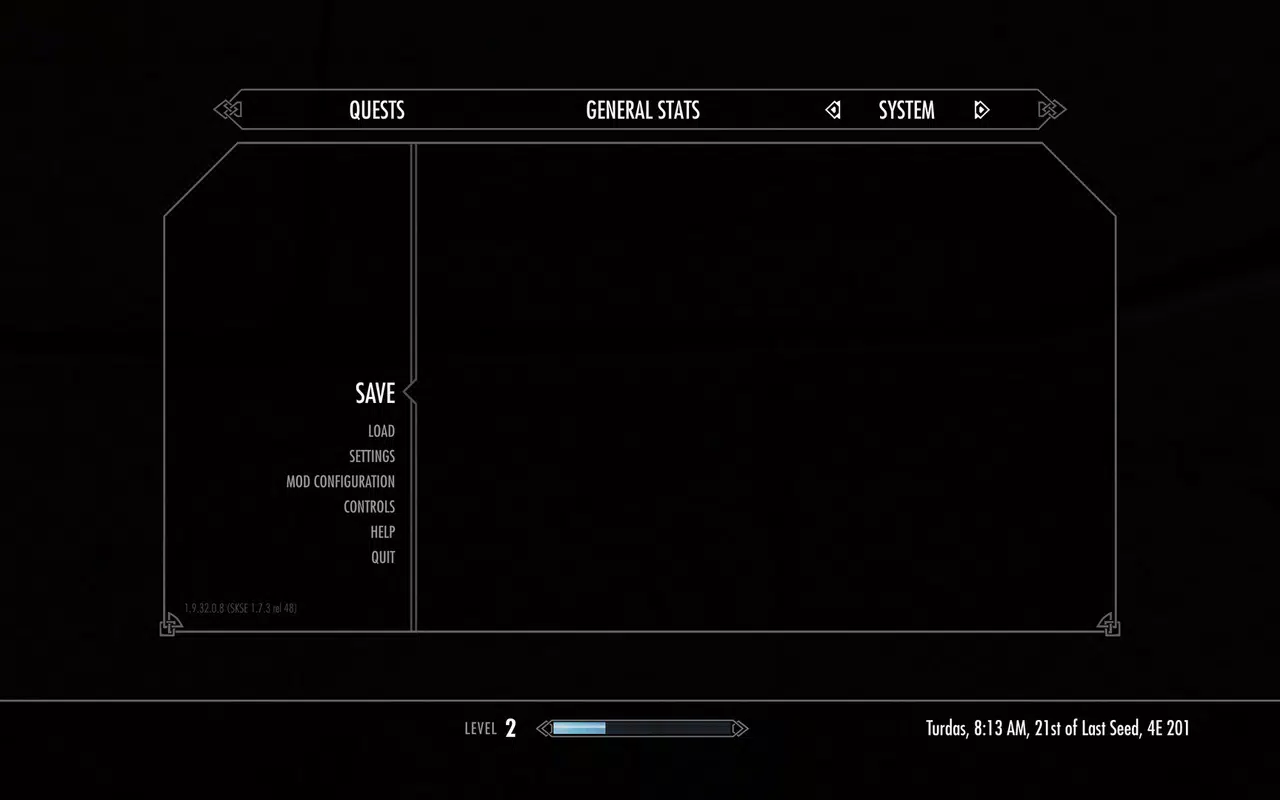

Download Skyrim Script Extender – Modding Tool, Utility, Productivity
Overview
The Skyrim Script Extender (SKSE) is a foundational utility tool designed to enhance the modding capabilities of The Elder Scrolls V: Skyrim. Rather than altering gameplay directly, SKSE serves as a critical dependency for numerous popular mods, enabling advanced scripting features that are not available in the base game. Its primary purpose is to expand the game’s scripting engine without modifying any core executable files, ensuring that users can integrate powerful mods safely and reversibly.
Target users include modding enthusiasts, PC gamers seeking deeper customization, and players who wish to enhance their Skyrim experience with tools like SkyUI, improved quest systems, or dynamic weather mods. While SKSE itself does not provide gameplay content, it unlocks the potential for a significantly richer and more personalized experience. The tool is especially valuable in the modding ecosystem, where compatibility and stability are paramount.
Developed by a dedicated team within the modding community, SKSE has become a standard component in advanced Skyrim setups. The developer did not provide additional technical details about the project’s origins or organizational structure. However, its widespread adoption among mod creators and users underscores its importance as a bridge between the base game and advanced modding functionality. Real-world use cases include enabling complex mod interactions, improving UI navigation, and supporting large-scale mod packs.
Key Features & Functionality
- Multiple Version Support: SKSE offers four distinct versions tailored to different editions of Skyrim, including the Anniversary Edition, GOG version, Special Edition, and the original release. This ensures users can match their installation with the correct SKSE variant, minimizing compatibility issues.
- Non-Invasive Installation: The tool operates without modifying any executable files in the game’s installation directory. Instead, it injects its functionality through a safe, non-permanent method, allowing users to install and remove it without leaving traces.
- Mod Compatibility Foundation: SKSE is required by hundreds of popular mods to function. It enables features such as dynamic UI elements, advanced quest scripting, and enhanced NPC behavior, which are essential for modern modding experiences.
- Simple Setup Process: A built-in 'Read Me' file guides users through the installation steps. The process involves copying a few files to designated folders within the Skyrim directory, making it accessible even to those new to modding.
- Quick Deployment: The entire setup can be completed in under three minutes, reducing friction and encouraging users to enhance their game without significant time investment.
For example, a player using SkyUI would require SKSE to activate its full functionality. Without it, the mod would fail to load. Similarly, complex mod packs like "Unofficial Skyrim Special Edition Patch" depend on SKSE to maintain stability and performance. This makes SKSE not just a utility, but a cornerstone of the modern Skyrim modding workflow.
Installation Workflow Example
After downloading the correct SKSE version for your Skyrim edition, users extract the archive and copy the SKSE.dll and SKSE64.dll files (depending on the version) into the main Skyrim installation folder. The 'Read Me' file provides clear instructions on file placement and post-installation steps. No additional configuration is typically needed, making the process efficient and low-risk.
Interface, UX & Performance
SKSE does not include a graphical user interface. As a backend tool, it operates silently in the background once installed. The user experience is entirely driven by the modding workflow, with no in-app menus or settings. This design choice reflects its role as a utility rather than a standalone application.
Navigation is not applicable in the traditional sense, as the tool is not meant to be interacted with directly. Instead, its success is measured by whether dependent mods load and function correctly. The lack of a UI reduces complexity and avoids unnecessary distractions for advanced users.
Although the developer did not list formal performance metrics, SKSE is designed to have minimal impact on system resources. It runs efficiently in the background, consuming negligible CPU and memory. Stability is maintained through careful injection techniques that avoid conflicts with the game engine. The tool is known for reliable performance across a range of hardware configurations, from mid-tier to high-end systems.
Users can expect consistent behavior when SKSE is correctly installed and paired with compatible mods. The absence of permanent changes also means that performance issues tied to SKSE can be resolved simply by removing the files, making troubleshooting straightforward.
Platform Compatibility & Technical Requirements
SKSE is designed for desktop platforms, specifically Windows-based systems. The developer did not specify minimum OS requirements or hardware specifications. Compatibility with different versions of Windows was not fully disclosed.
The file size of the tool varies slightly depending on the version, but it remains compact, typically under 5 MB. The software version is tied directly to the Skyrim edition it supports, with separate builds for Anniversary Edition, GOG, Special Edition, and classic releases.
Specific requirements were not listed. However, users should ensure their Skyrim installation matches the version of SKSE they are installing. The tool does not support mobile platforms, as it is intended for PC gaming environments only.
Pros and Cons
- Enables access to hundreds of advanced mods
- Non-invasive—no changes to executable files
- Quick and simple installation process
- Supports multiple Skyrim editions
- Safe to uninstall without side effects
- No graphical interface—requires technical understanding
- Version-specific—must match game edition exactly
- Not compatible with mobile devices
- Requires separate mod management
- Not suitable for casual users unfamiliar with modding
FAQ
Is Skyrim Script Extender safe to use?
Yes, SKSE is considered safe when used correctly. It does not modify game executables and can be removed without leaving any permanent changes to your installation.
Do I need SKSE for every mod?
No. Only mods that require extended scripting capabilities depend on SKSE. Many basic mods do not require it.
Can I use SKSE on mobile devices?
No. SKSE is designed exclusively for PC platforms and is not compatible with Android or iOS devices.
How do I know which version of SKSE to install?
You must match the SKSE version to your Skyrim edition—Anniversary Edition, GOG, Special Edition, or original release. The 'Read Me' file provides clear guidance.
What happens if I uninstall SKSE?
Removing SKSE files will disable all mods that depend on it. However, your base game remains unaffected, and you can reinstall SKSE at any time.
Final Thoughts
For serious Skyrim modders, the Skyrim Script Extender is not just a tool—it’s a necessity. While it doesn’t alter gameplay directly, it unlocks the full potential of the modding ecosystem, enabling richer, more immersive experiences. Its lightweight design, non-invasive nature, and rapid setup make it an essential addition to any advanced Skyrim setup.
Players who value customization, enhanced UI, and dynamic gameplay will benefit most from using SKSE. It represents a smart, efficient solution to one of the biggest challenges in modding: compatibility and stability. By acting as a bridge between the base game and advanced mods, SKSE ensures that players can enjoy cutting-edge content without compromising their game files.
Download Skyrim Script Extender now


